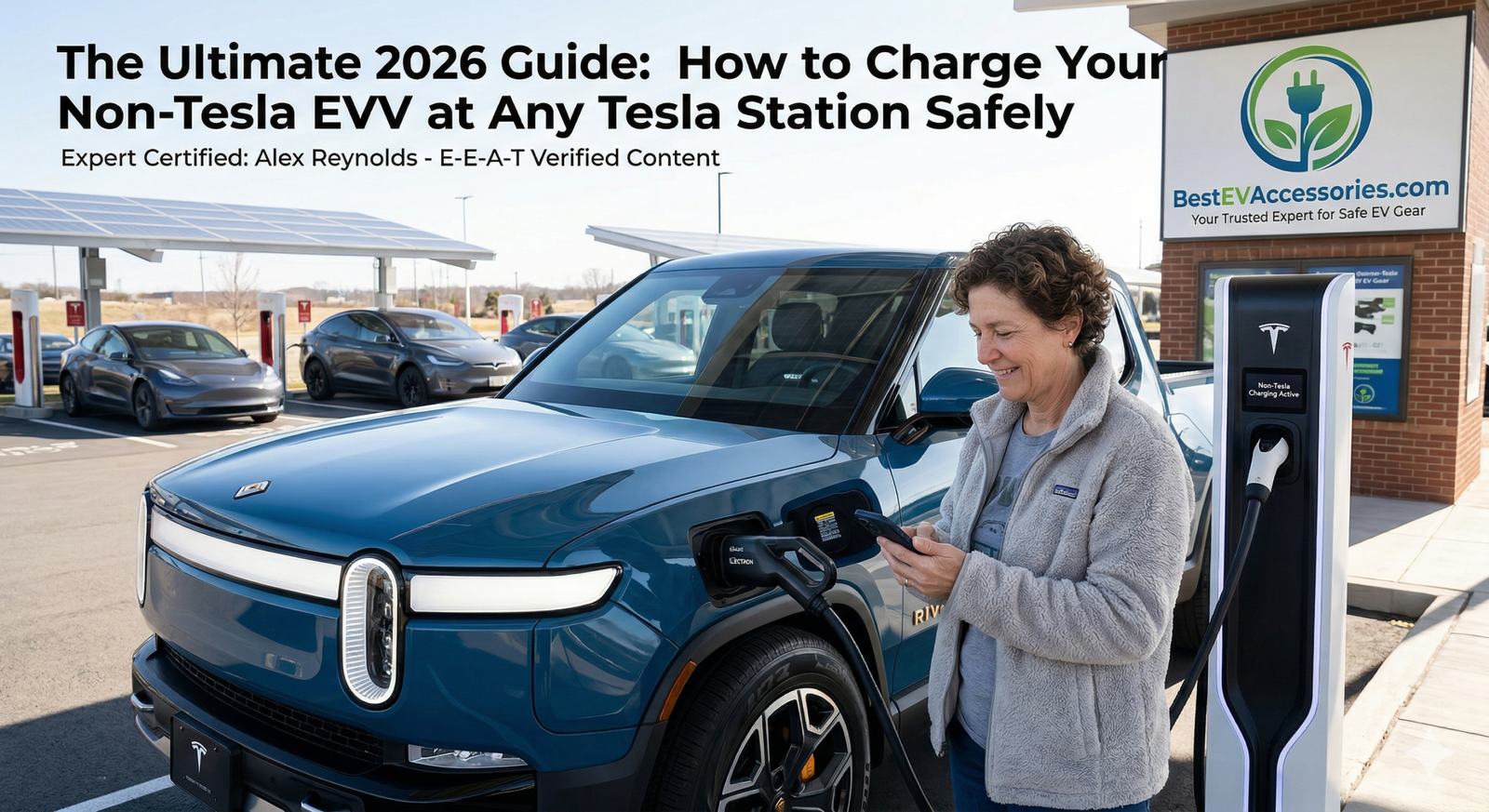
The Ultimate 2026 Guide: How to Charge Your Non-Tesla EV at Any Tesla Station Safely
Hey there. I’m Alex Reynolds. If we haven’t met yet, I’ve spent the last 15 years under the hoods and inside the high-voltage batteries of everything from early hybrids to the latest tri-motor monsters. As the lead technical expert here at BestEVAccessories.com, my job isn’t just to tell you what looks cool—it’s to tell you what won’t melt your charge port.
We’re sitting in 2026, and the “Plug Wars” are finally settling down, but the transition has left a lot of drivers in a state of “charging anxiety.” You’ve got a Ford F-150 Lightning, a Rivian R1S, or maybe a sleek Hyundai Ioniq 6, and you’re staring at a sea of Tesla Superchargers thinking: “Can I actually plug this in without an explosion?”
The market is currently flooded with cheap, uncertified NACS adapters—essentially “fire sticks” made of thin plastic and sub-par copper. Today, I’m going to cut through the noise and show you exactly how to charge a non-Tesla at a Supercharger or home station using gear that actually meets professional safety standards.
The Great Plug Divide: NACS vs. J1772
For a decade, the EV world was split. Tesla went their own way with the North American Charging Standard (NACS)—a slim, elegant plug that handles both AC and DC charging. Meanwhile, everyone else (Ford, GM, VW, etc.) used the J1772 (for home) and CCS (for fast charging) combo, which, let’s be honest, looks like a bulky science project.
In 2026, almost every manufacturer has agreed to switch to Tesla’s NACS plug. But if your car was built between 2010 and 2025, you’re likely rocking that circular J1772 port. This creates a massive “compatibility gap.” You have the car, and Tesla has the best charging infrastructure in the world. The bridge between them is the adapter.
The Problem with “Universal” Charging
The frustration is real. You pull up to a Tesla Destination Charger at a hotel, or a Supercharger at a rest stop, and the cord simply doesn’t fit. Or worse, you buy a $20 adapter off a random site, plug it in, and three minutes later, your car’s thermal management system starts screaming because the adapter is overheating.
Charging an EV isn’t like charging a phone. We are talking about 48 Amps of continuous current at home, or hundreds of kilowatts at a Supercharger. There is zero room for error.
The Technician-Tested Solution: The Lectron Tesla to J1772 Adapter
When my readers ask for a recommendation that I’d trust with my own vehicle, I point them toward the Lectron Tesla to J1772 Adapter. It’s currently the Amazon best-seller for a reason, but as a tech, I care about what’s inside the casing.
Why this specific Lectron EV adapter wins:
- High Amperage Support: It handles up to 48A of continuous current. This is crucial because many older adapters max out at 32A, which will either slow down your charging or, if the car pulls more, cause the adapter to fail.
- Weatherproof & Rugged: It’s designed for the “real world”—rain, snow, and being dropped on concrete.
- Broad Compatibility: This isn’t just for Teslas. It allows your J1772-equipped vehicle to access thousands of Tesla Destination Chargers, Gen 2 and Gen 3 Wall Connectors, and Mobile Connectors.
⚠️ Note from Alex: This adapter is for Level 1 and Level 2 AC charging only. To use a DC Supercharger, you will need the NACS-to-CCS specific adapter (which we will cover in the step-by-step section below).

Pro Tip: You can also grab this with a 10% discount when paired with any Level 2 charger at BestEVAccessories.com. Use code: ALEXTECH10 at checkout.
How to Safely Connect: A Step-by-Step Guide
Don’t just “plug and pray.” Follow this sequence to ensure a solid handshake between the charger’s computer and your car’s On-Board Charger (OBC).
Step 1: Inspect the Pins
Before every use, look inside the Tesla NACS nozzle and your adapter. Look for debris, burnt plastic, or bent pins. A tiny bit of dirt can create high resistance, which leads to heat.
Step 2: The “Handshake” Connection
Connect the Tesla charging cable to your Lectron EV adapter first. You should hear a distinct “click.” If it feels loose, stop.
Step 3: Wait 30 Seconds
This is a pro-trick. Some Tesla Wall Connectors need a moment to realize they are talking to a non-Tesla vehicle via an adapter. Wait about 30 seconds after joining the adapter and the cable before plugging it into your car.
Step 4: Plug Into Your Vehicle
Firmly insert the combined unit into your car’s J1772 port. You should see your car’s charging indicator blink (usually green or blue) to signal that the “handshake” is complete.
The “Red Flags”: Why Cheap Knock-offs are Dangerous
In 2026, the internet is “flooded” with unbranded adapters. As a technician, I’ve torn these apart, and what I see inside is terrifying. Here is what you are paying for when you buy a premium adapter like Lectron over a $25 “no-name” version:
1. UL and ETL Certifications
If an adapter doesn’t have a UL (Underwriters Laboratories) or ETL mark, do not put it in your car. These organizations put the devices through “torture tests”—including fire resistance and extreme cold.
2. Thermal Stability & Heat Dissipation
At 48A, low-quality copper contacts will expand and contract at different rates than the plastic housing. This creates gaps, sparks, and eventually, a melted charge port. High-quality adapters use heavy-duty internal busbars and high-temp-rated resins to stay cool under load.
3. Cable Gauge and Pin Conductivity
A J1772 to NACS adapter needs precision-machined pins. If the pins are even a fraction of a millimeter off, you get “arcing.” Arcing is essentially a tiny, continuous lightning bolt inside your plug that destroys electronics.
Accessing the Tesla Supercharger Network (NACS to CCS)
If you own a Ford, Rivian, or GM, you now have access to “Magic Dock” Superchargers or can use a NACS to CCS adapter at upgraded V3/V4 stations.
How to do it:
- Download the Tesla App: You must have a Tesla account and a payment method set up.
- Select “Charge Your Non-Tesla”: The app will show you which stations are open to you.
- The Adapter Factor: For Supercharging, the adapter is much beefier because it’s handling Direct Current (DC). Ensure your adapter is rated for at least 250kW. Anything less will throttle your charging speed to a crawl.
Alex’s Final Verdict: Is it Worth It?
If you are a non-Tesla owner in 2026, a high-quality Tesla to J1772 adapter is no longer an “optional accessory”—it’s a necessity. It doubles the number of places you can stay overnight and gives you a fallback option if a standard J1772 station is broken (which, let’s face it, happens way too often).
However, EV charging safety should never be compromised to save fifty bucks. Your car’s battery pack costs $15,000 to $30,000. Don’t protect a $30,000 investment with a $20 uncertified adapter.
Stick to brands that prioritize thermal stability and have a track record in the industry. The Lectron 48A is my top pick for home and destination charging because it strikes the perfect balance of price, build quality, and safety certification.
Stay charged, stay safe, and I’ll see you at the next station!
Questions about your specific EV model? Leave a comment below or check out our other technical deep-dives here at BestEVAccessories.com.
Alex Reynolds Lead Tech, BestEVAccessories.com